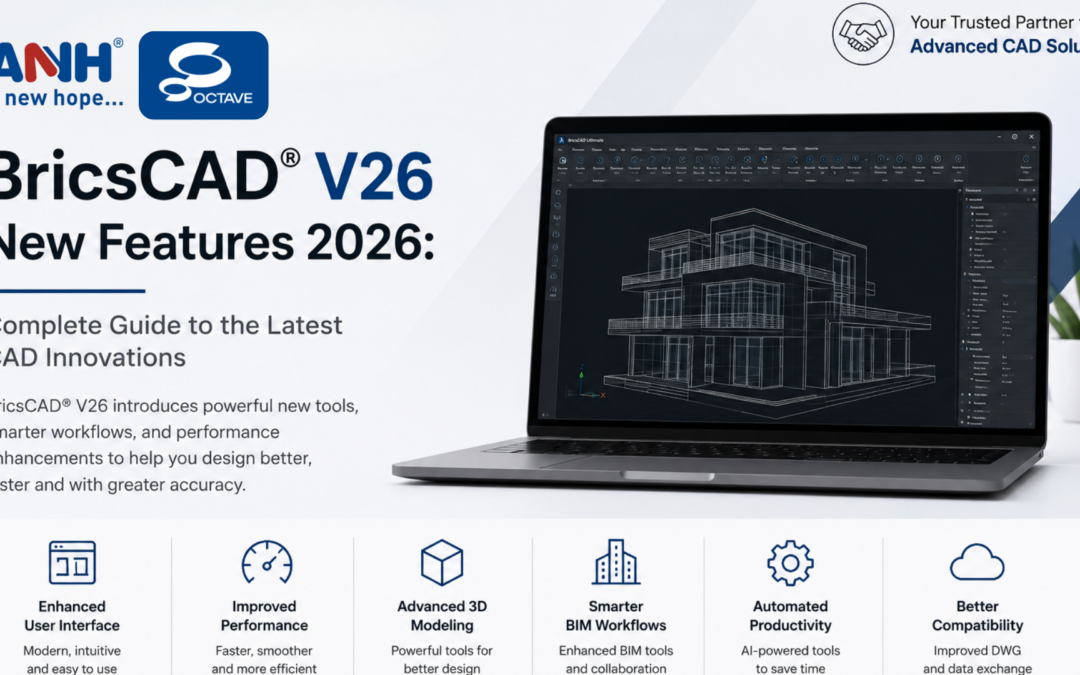
BricsCAD® V26 New Features 2026, including AI-powered design tools, faster CAD performance, enhanced BIM workflows and expert support from ANH Engineering Services.
What’s New in BricsCAD V26?
BricsCAD V26 focuses on enhancing productivity, improving design accuracy and creating a smoother design-to-production workflow.
1. More Than 60 New Features and Enhancements
BricsCAD V26 introduces more than 60 new and improved capabilities across:
General CAD Design
Mechanical Design
BIM
Building Subcontracting
These updates help engineers reduce repetitive tasks while improving overall design efficiency.
2. Enhanced User Interface
The latest version includes a cleaner and more intuitive interface with improvements such as:
Users can create production-ready drawings more quickly while maintaining high accuracy.
4. Improved 3D Design & Modeling
Engineers working with complex models benefit from:
Better visualization tools
Improved section generation
Enhanced interference checking
Faster solid editing
Better model verification
These features help identify design issues earlier in the development process.
5. Mechanical Design Enhancements
BricsCAD Mechanical V26 introduces improvements for manufacturing workflows, including:
Sheet metal enhancements
Better welding documentation
Improved dimensioning
Faster handling of large assemblies
These capabilities help mechanical engineers deliver designs more efficiently.
6. BIM Workflow Improvements
For architecture and construction professionals, BricsCAD BIM V26 offers:
Improved BIM collaboration
Better documentation workflows
Enhanced project coordination
Faster model updates
These enhancements support more efficient building design and project execution.
7. Better Survey & Civil Design Tools
Survey professionals benefit from:
Improved terrain workflows
Better point cloud handling
Enhanced survey data processing
Faster project management
This results in more accurate and efficient survey operations.
Why Upgrade to BricsCAD V26?
Upgrading to BricsCAD V26 provides:
Increased productivity
Faster drafting and modeling
Improved collaboration
Better manufacturing workflows
Enhanced BIM capabilities
Modern user experience
Improved performance
With these enhancements, BricsCAD remains one of the strongest alternatives for professional CAD users.
Why Choose ANH Engineering Services?
ANH Engineering Services Pvt. Ltd. is a trusted authorised BricsCAD reseller in India, helping organisations adopt advanced CAD technologies with confidence.
Our BricsCAD services include:
BricsCAD Software Licensing
Software Upgrades
Installation & Deployment
Technical Support
User Training
CAD Migration Assistance
Corporate Solutions
Annual Maintenance & Consulting
With years of experience serving manufacturing, automotive, industrial equipment, aerospace, tooling and engineering companies, ANH provides complete CAD solutions backed by expert technical guidance.
Ready to Upgrade to BricsCAD V26?
Whether you’re looking to purchase a new license, upgrade from an older version or explore BricsCAD for your engineering team, ANH Engineering Services is here to help.
Our experts will help you choose the right BricsCAD edition, ensure a smooth implementation and provide ongoing support to maximize your productivity.
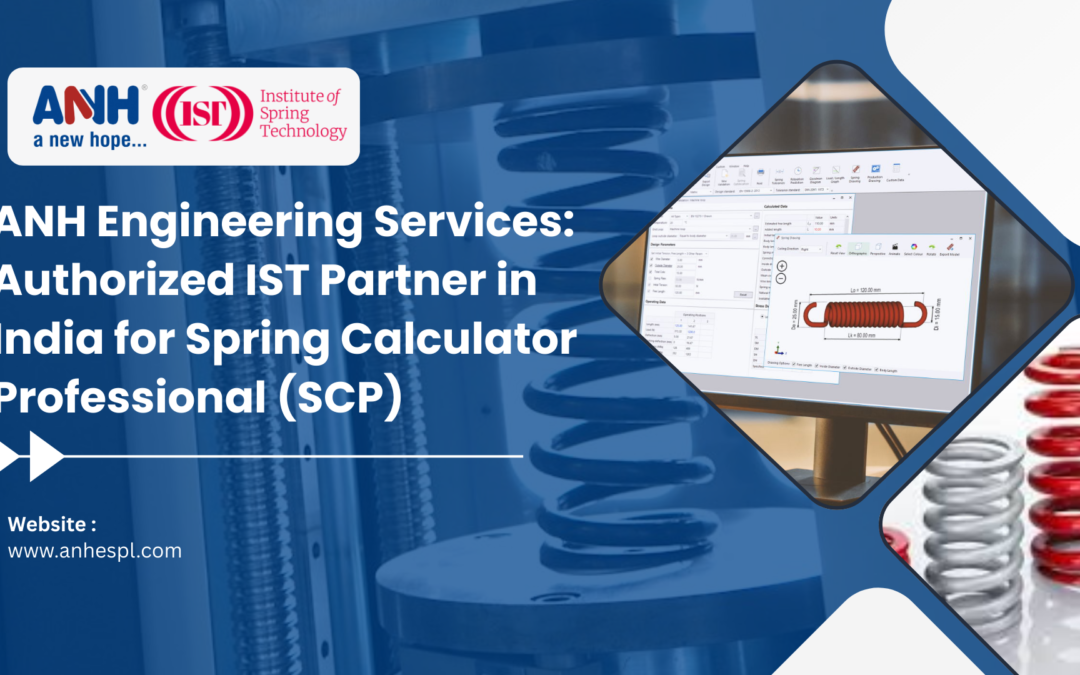
Designing reliable, high-performance springs requires precision, deep material knowledge, and compliance with international standards. To support Indian manufacturers and design engineers with world-class spring design technology, ANH Engineering Servicesis the authorised partner of the Institute of Spring Technology (IST), UK, in India for Spring Calculator Professional (SCP) software.
About IST — The Global Authority in Spring Technology
The Institute of Spring Technology (IST), UK, is internationally recognized as the leading authority in spring research, testing, and design. With more than 70 years of real-world laboratory research, IST has helped industries worldwide improve spring safety, reliability and performance.
Spring Calculator Professional (SCP) is one of IST’s flagship software solutions, developed using extensive fatigue testing, material data and industry best practices.
What Is Spring Calculator Professional (SCP)?
Spring Calculator Professional (SCP) is an advanced spring design and validation software that helps engineers design, analyze and verify springs quickly and accurately.
With SCP, users can instantly check whether a spring is safe, make rapid design changes, and predict fatigue life and relaxation behaviour reducing trial-and-error minimising failures and saving engineering time.
Backed by IST’s real-world material performance data
International Design Standards
Comply with global standards including:
BS
DIN
EN
IS
JIS
SMI
Fatigue & Life Prediction
Integrated fatigue data
Accurate spring life and relaxation predictions
Helps prevent premature spring failures
Advanced Visualization
3D drawings and animations
Stress animations for non-standard and conical springs
Clear visualization for better design decisions
Advanced Design Capabilities
Open-coiled extension springs with dead coils
Open-coiled and double torsion springs
Non-standard spring visual editor
Who Should Use SCP Software?
Spring Calculator Professional is designed for anyone involved in the spring lifecycle from design to manufacturing.
It is widely used by spring manufacturers, R&D teams and design engineers across industries such as:
Automotive, transport and aerospace
Oil, gas, energy, and defense
Heavy machinery and agriculture
Medical equipment manufacturing
Control systems, valves and hydraulics
System Requirements
SCP is easy to install and runs smoothly on standard systems:
Official support for Windows 10 and Windows 11
Why Choose ANH Engineering Services?
As the authorized IST partner in India for SCP software, ANH Engineering Services offers more than just software access.
With ANH, You Get:
Authorized SCP software in India
Technical support and expert guidance
Product demonstrations and training
Trusted engineering expertise backed by global research
ANH bridges the gap between IST’s global spring technology expertise and India’s growing engineering and manufacturing needs.
Design Safer, Smarter Springs with SCP
With Spring Calculator Professional, engineers can reduce design risks, improve product reliability and accelerate development -while ensuring compliance with international standards.
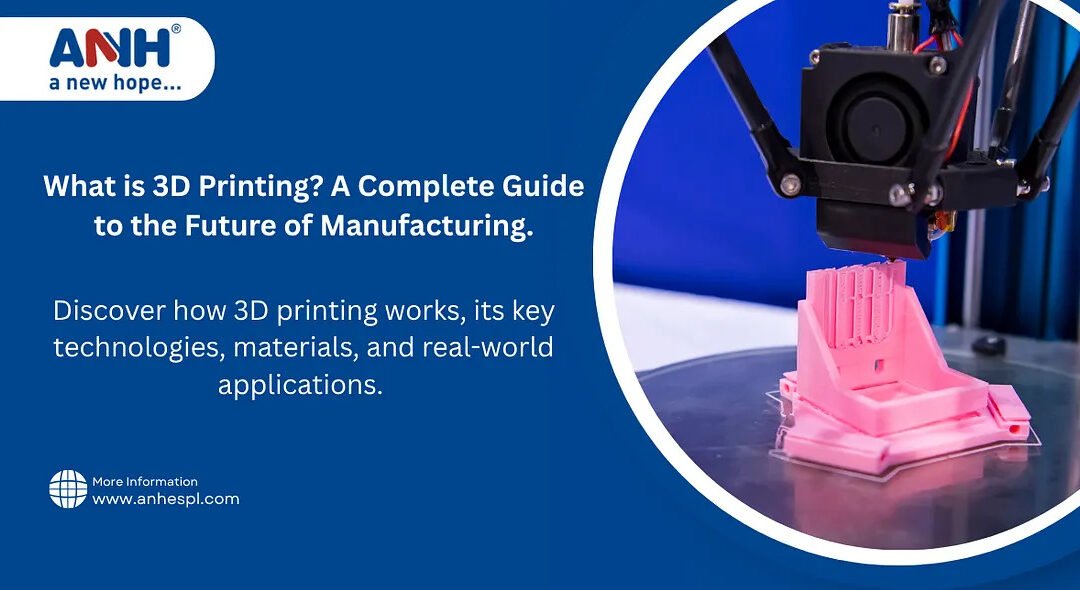
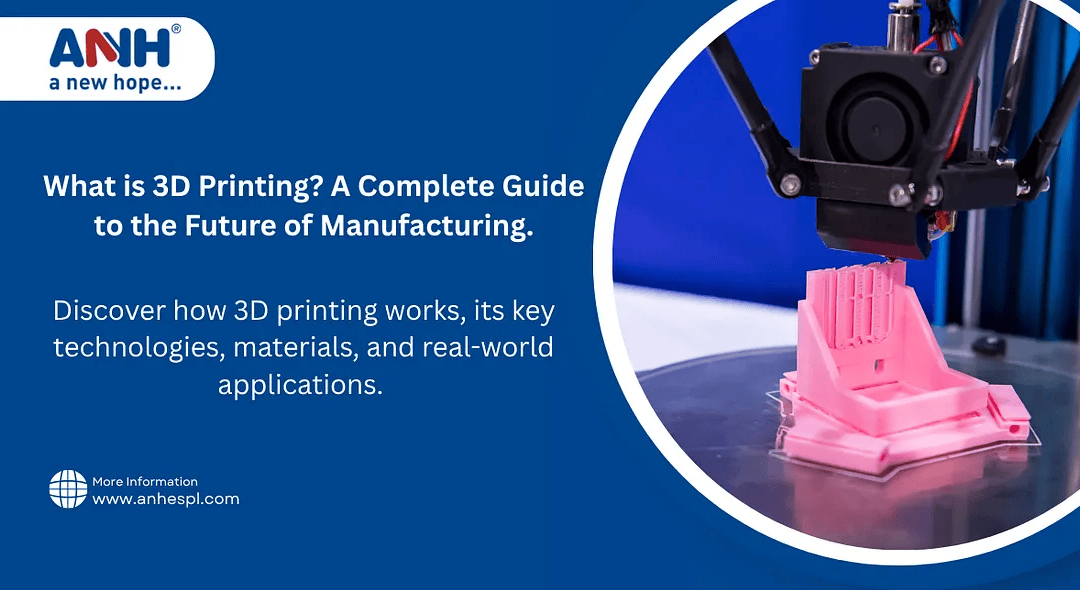
3D printing, also known as additive manufacturing, is transforming industries by making it easier, faster, and more affordable to produce everything from prototypes to fully functional parts. At ANH Engineering Services, we specialize in custom 3D printing services using the latest technologies for industrial, commercial, and educational applications.
How Does 3D Printing Work?
3D Designing — Using CAD software like AutoCAD, Creo, or SolidWorks.
Slicing — The design is sliced into layers by the slicer software.
Printing — A 3D printer builds the object layer by layer.
Post-Processing — Finishing steps like cleaning, curing, or polishing.
Types of 3D Printing Technologies
FDM (Fused Deposition Modeling)
Process: Melts and extrudes thermoplastic filament through a heated nozzle.
Materials: PLA, ABS, PETG, TPU
Use: Prototyping, hobby models, mechanical parts
Pros: Cost-effective, easy to use
Cons: Lower resolution than resin or powder-based prints
2. SLA (Stereolithography)
Process: Uses a laser to cure the liquid resin layer by layer.
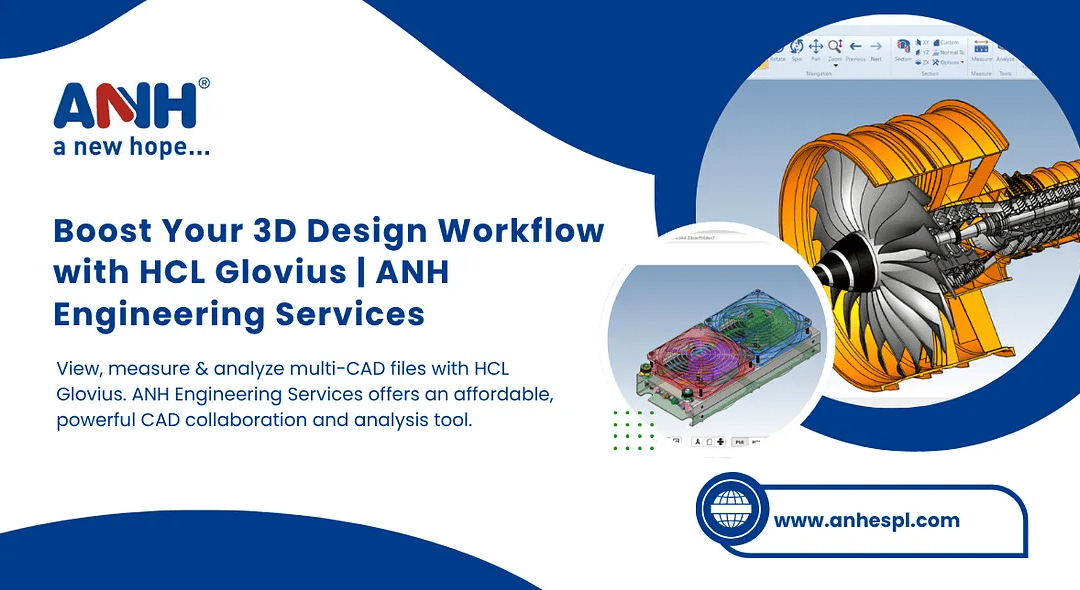
At ANH Engineering Services, we help businesses maximize the benefits of Glovius, makingCADcollaboration and review easier, quicker, and moreaffordable.
What is HCL Glovius?
HCL Gloviusis an advanced yet user-friendlymulti-CAD viewerand 3D analysis tool. It supports popular CAD formats, including:
CATIA®
NX™
Creo®
SolidWorks®
Solid Edge®
STEP, IGES & more
With Glovius, you don’t need the original CAD software to: Open & view complex 3D files Measure dimensions & check tolerances Analyze wall thickness, draft angles, and mass properties Compare revisions to track design changes
Key Features of HCL Glovius
Supports Multiple CAD Formats View and analyze files from various CAD systems without conversion.
Lightweight & Fast HCL Gloviusis designed to open large assemblies quickly — even on standard PCs.
Powerful 3D Analysis Tools
Measure, section, explode views, and inspect parts easily.
Revision Comparison Visually identify differences between design versions.
Collaboration Ready Add markups, comments, and share lightweight 3D data with your team or clients.
Mobile Access Use the Glovius Mobile App to review designs anytime, anywhere — perfect for the shop floor or field teams.
How ANH Engineering Services Can Help
At ANH Engineering Services, we specialize in CAD tools, engineering solutions, and digital transformation. With our expertise inHCL Glovius, we help you:
Integrate Glovius into your workflow
Train your team for faster adoption
Customize reporting & analysis to match project needs
Support seamless collaboration between design, manufacturing, and quality teams
Why Choose HCL Glovius for Your CAD Workflow?
Simplify CAD Reviews — No need for expensive CAD software just to view files Faster Design Validation — Measure and analyze quickly before production Better Collaboration — Share lightweight files, markups, and 3D PDFs easily Cost-Effective — Reduce license costs while keeping access to critical data Flexibility — View and analyze CAD files on desktop or mobile devices
Conclusion
HCL Glovius, supported byANH Engineering Services,makes it easier than ever to visualize, analyze, and collaborate on complex 3D CAD data. Whether you’re a design engineer, manufacturer, or project manager, Glovius helps streamline your workflows and improve productivity — without the overhead of traditional CAD software.
3D printing, also known as additive manufacturing, is transforming industries by making it easier, faster, and more affordable to produce everything from prototypes to fully functional parts. AtANH Engineering Services, we specialize in custom 3D printing services using the latest technologies for industrial, commercial, and educational applications.
ANH Engineering Services — Leading 3D Printing Company in Delhi NCR
How Does 3D Printing Work?
3D Designing — Using CAD software like AutoCAD, Creo, or SolidWorks.
Slicing — The design is sliced into layers by the slicer software.
Printing — A 3D printer builds the object layer by layer.
Post-Processing — Finishing steps like cleaning, curing, or polishing.
Types of 3D Printing Technologies
1.FDM (Fused Deposition Modeling)
Process: Melts and extrudes thermoplastic filament through a heated nozzle.
Materials: PLA, ABS, PETG, TPU
Use: Prototyping, hobby models, mechanical parts
Pros: Cost-effective, easy to use
Cons: Lower resolution than resin or powder-based prints
2. SLA (Stereolithography)
Process: Uses a laser to cure the liquid resin layer by layer.